
Tronian Omegatron 2





$229.99
/
or 4 payments of $57.50

×

Buy Now. Pay Later.
Available for purchases from $20 to $2,500.
Instant decision. No impact to your credit score.
Split your purchase into 4 easy payments over 6 weeks.
25%
Today
Today
25%
Week 2
Week 2
25%
Week 4
Week 4
25%
Week 6
Week 6
How it works:
- Choose Sezzle at checkout
- Pay 25% today
- The rest is paid in 3 more payments – every 2 weeks
Your payment dates and amounts may vary depending on when your order is shipped. Fees may apply if a payment is late or fails.*
Authorized Seller
USA Dispatch
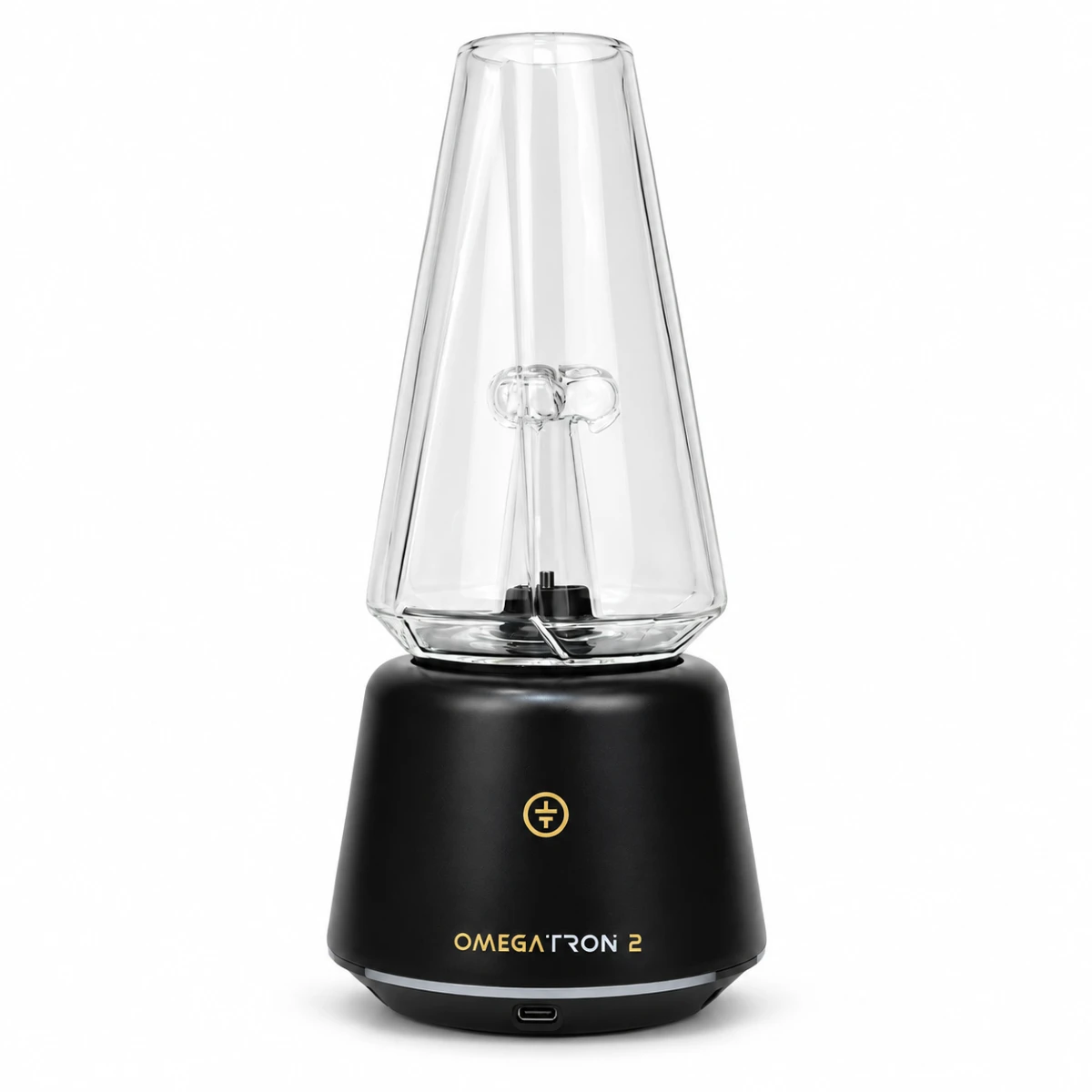
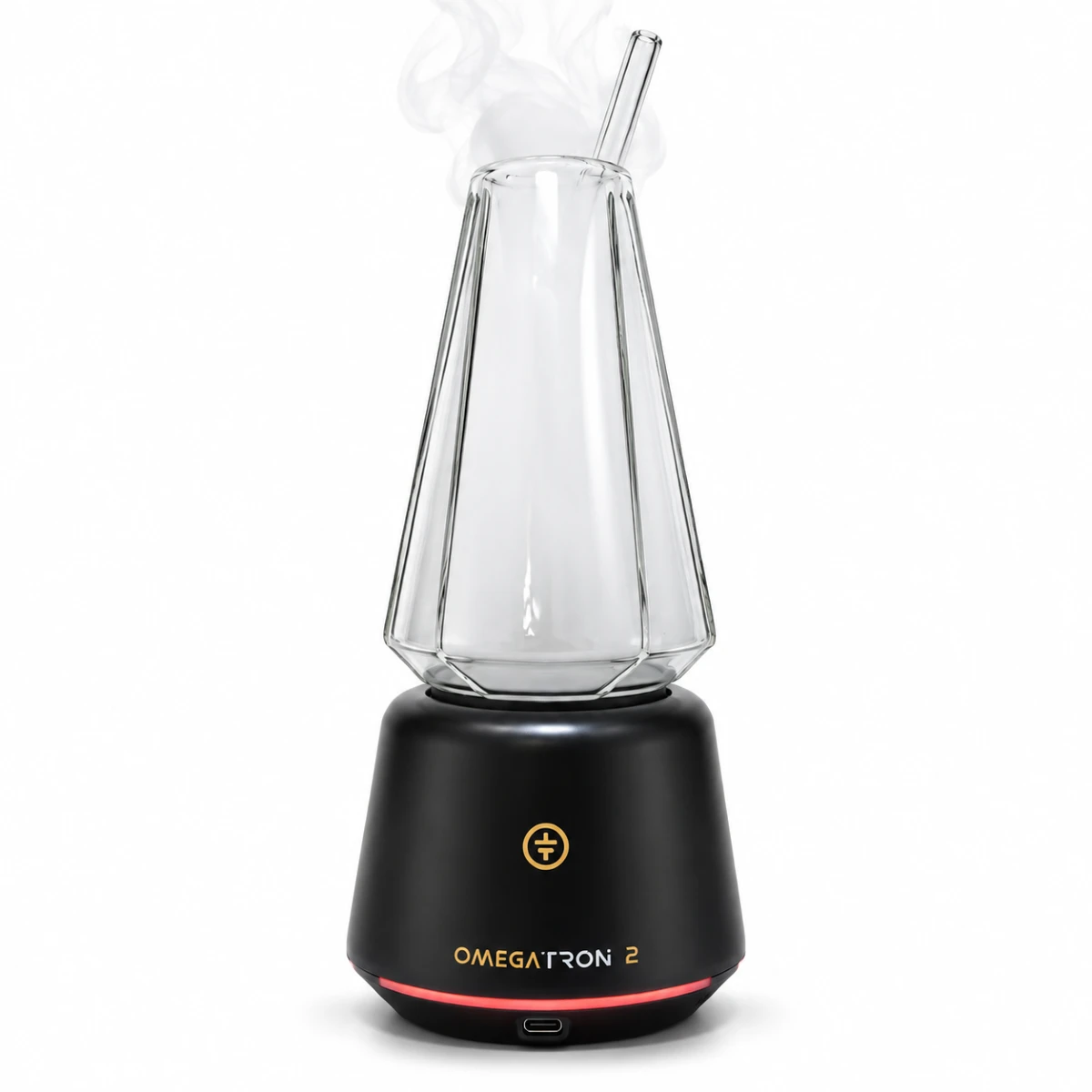
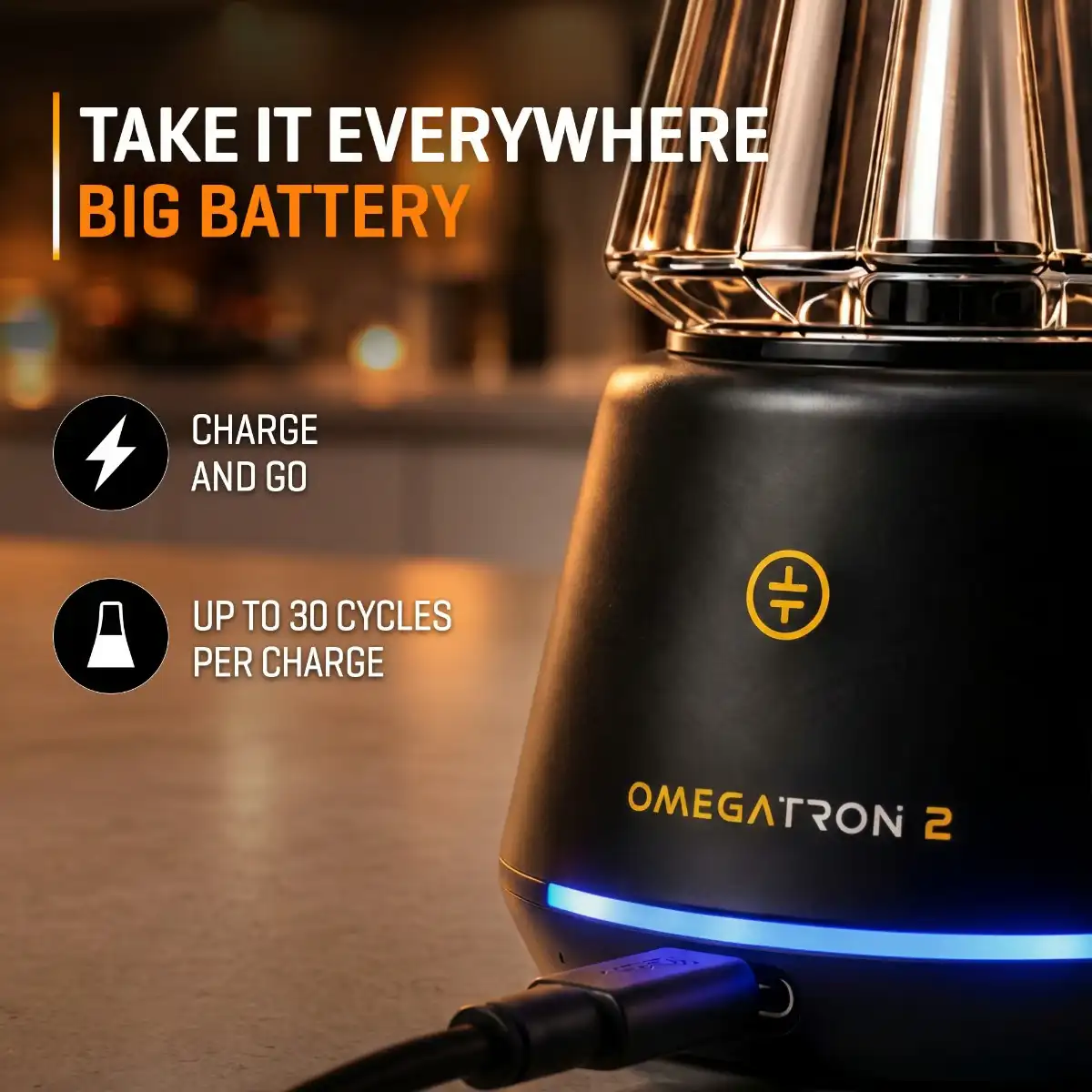
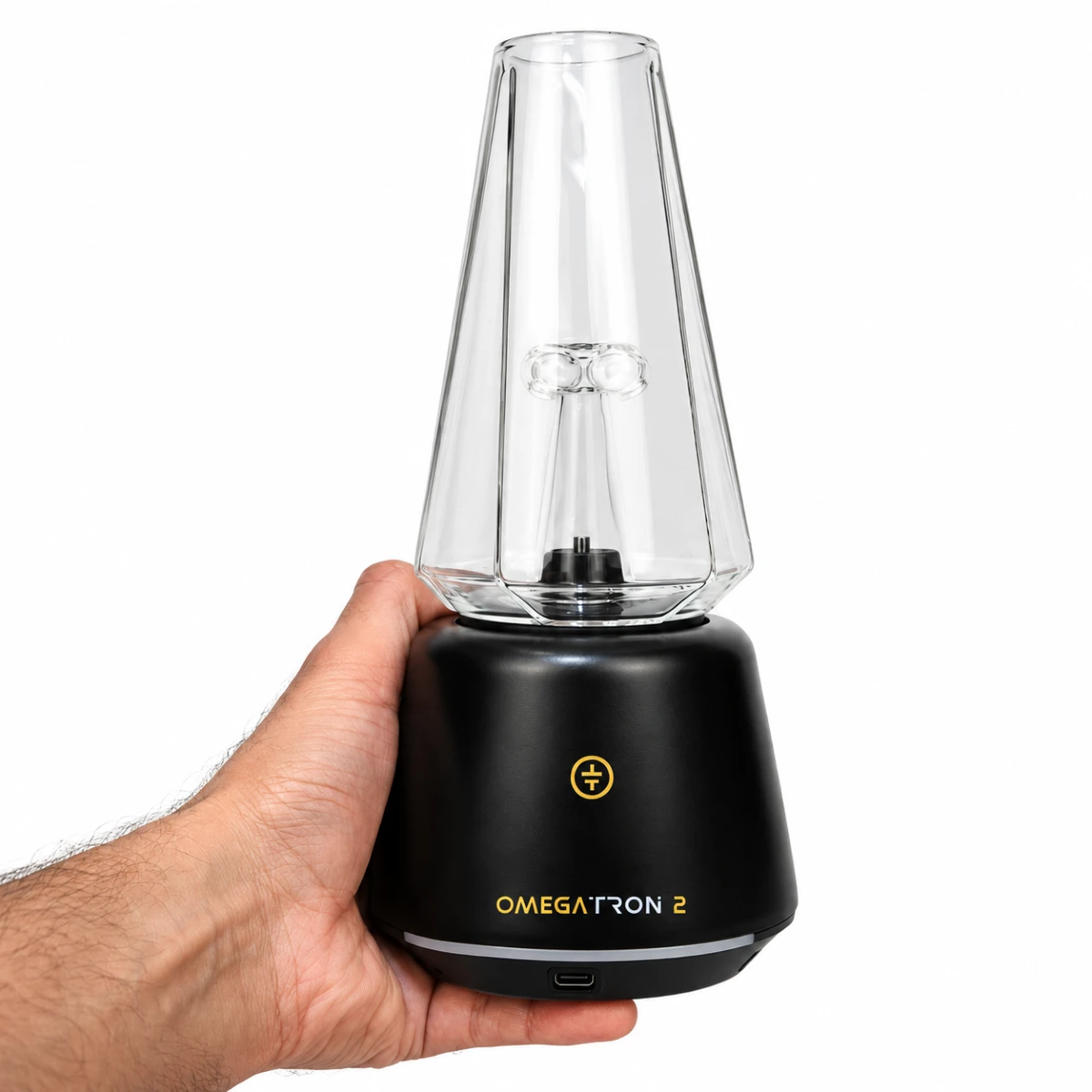
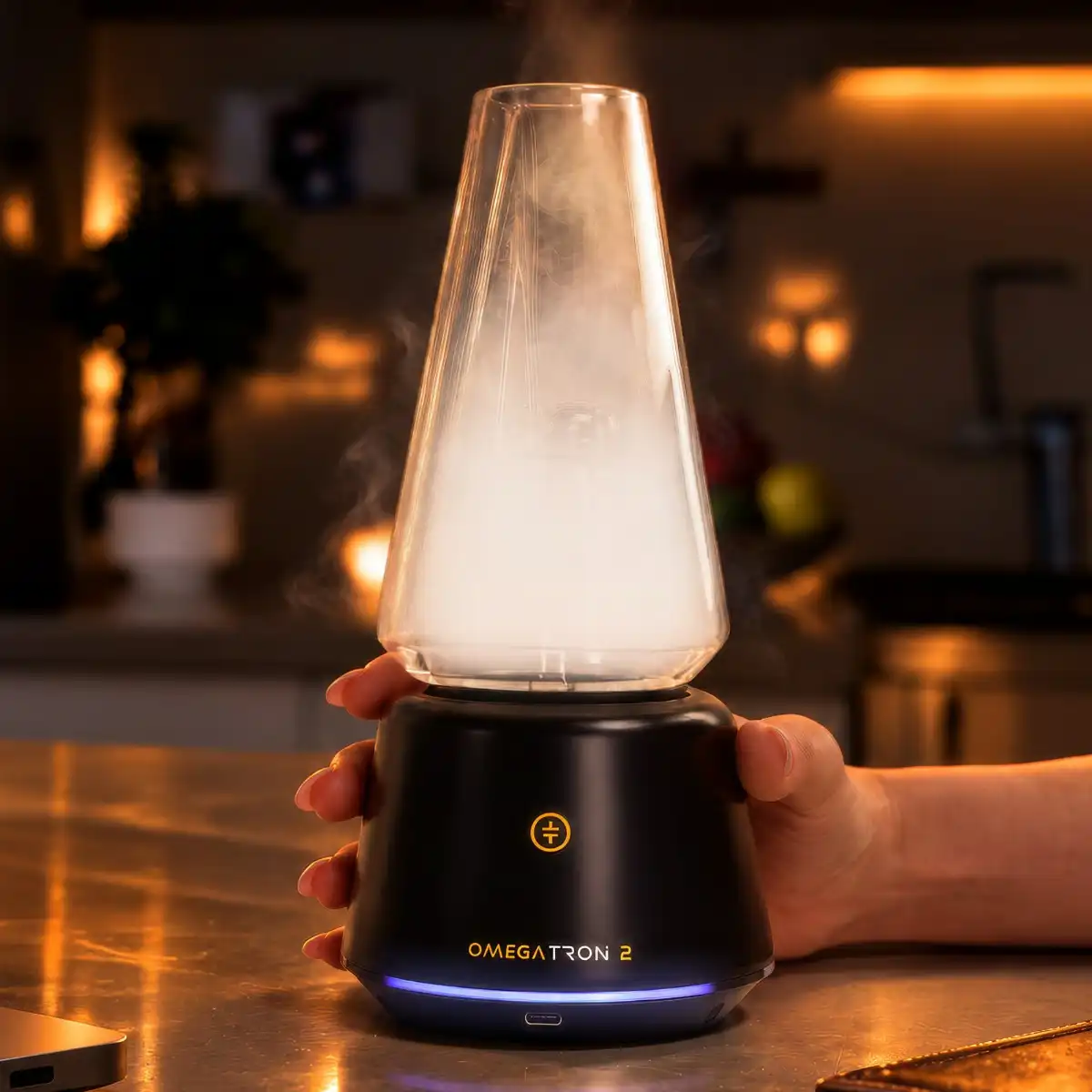
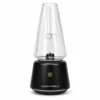
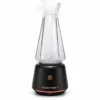
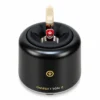
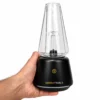
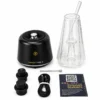
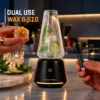
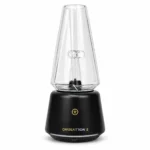
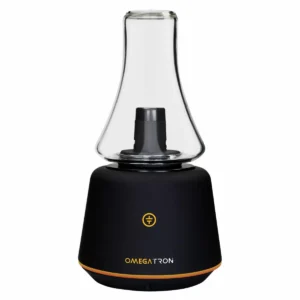
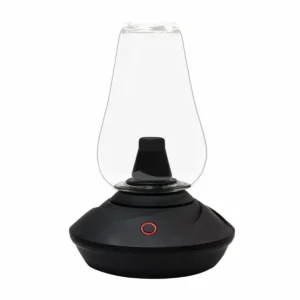
Tronian Omegatron 2 is a dual-use vapor cup featuring a BurstHit 3D heating chamber, Vortex Airflow, 6 heat settings for wax and 510 cartridges, adjustable pump speed and fill time, and a Waterfall Glass for chilled, garnish-infused vapor.
Available on backorder
Product Specifications
| Manufacturer: | Tronian |
|---|---|
| User Level: | Beginner |
| Material Compatibility: | Dab (Wax), 510 Cartridges |
| Heat Up Time: | Quick (10–30 sec) |
| Charge Time: | Long (1.5–2.5 hrs) |
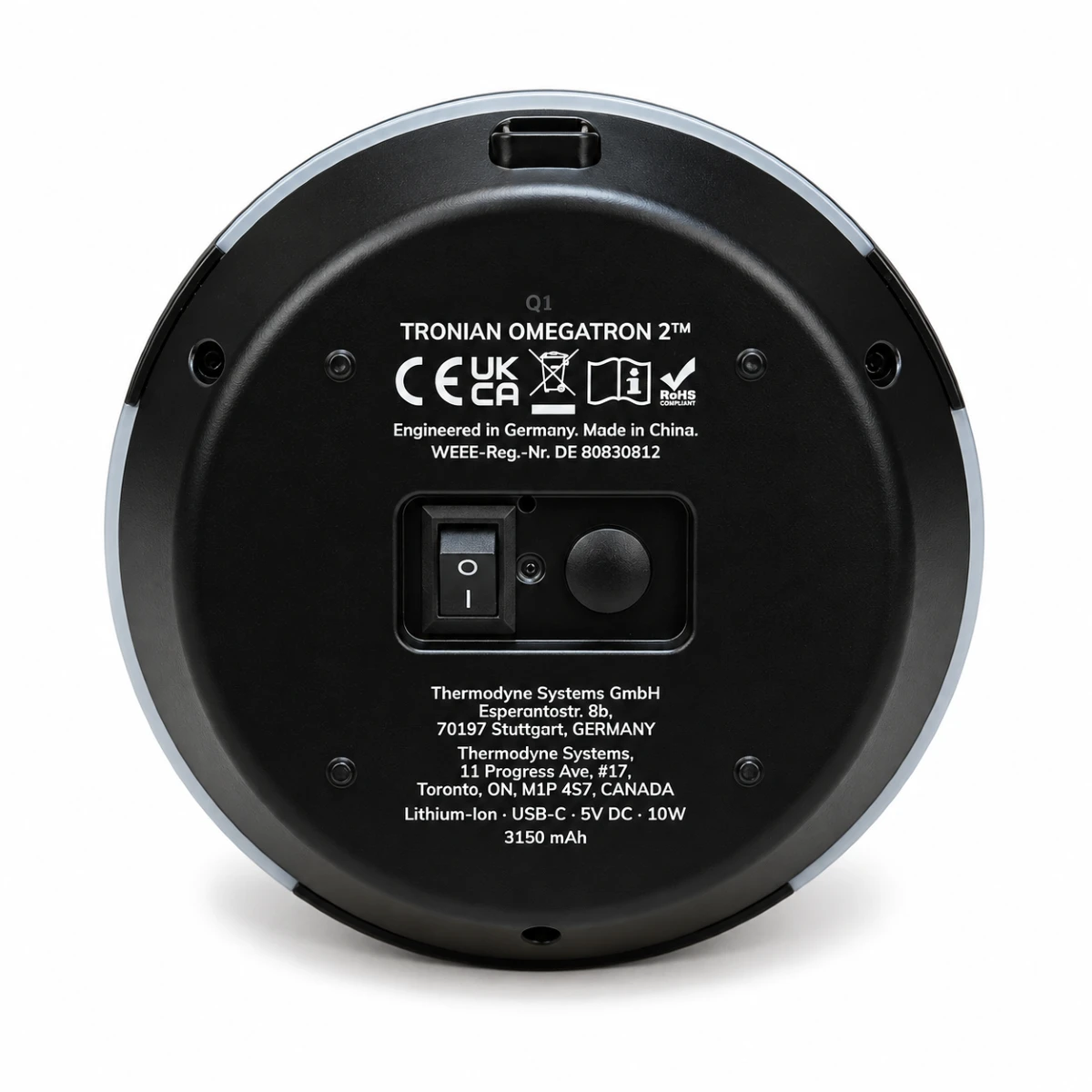
| Charging Port: | USB-C |
| Wireless Charging: | No |
| Pass Through Charging: | No |
| Atomizer Type: | 3D |
| Atomizer Material: | Ceramic |
| VaporPath Material: | Glass Cup and Straw |
| Display: | No |
|---|---|
| Warranty Period: | 1 Year Limited |
| Battery Life: | Over 1 Hour |
| Temperature Range: | 260°C–310°C (500°F–590°F) / 3.3–8.8W |
| Temperature Control: | Preset |
| Smartphone Compatibility: | No |
| Vibration Alert: | Yes |
| Motion Sensor: | No |
| Swappable Battery: | No |
| Device Size: | Large |
| Ease of Cleaning: | Easy |
Contents
Buy Tronian Omegatron 2 Vapor Cup
The Tronian Omegatron 2 is a dual-use vapor cup designed for wax concentrates and 510 cartridges. Unlike traditional dab pens or e-rigs, it fills a removable glass with vapor that you can sip or share. With a new 3D heating chamber, adjustable pump settings, and automatic heating, it offers more control and convenience than the original Omegatron.
Key Features of the Tronian Omegatron 2
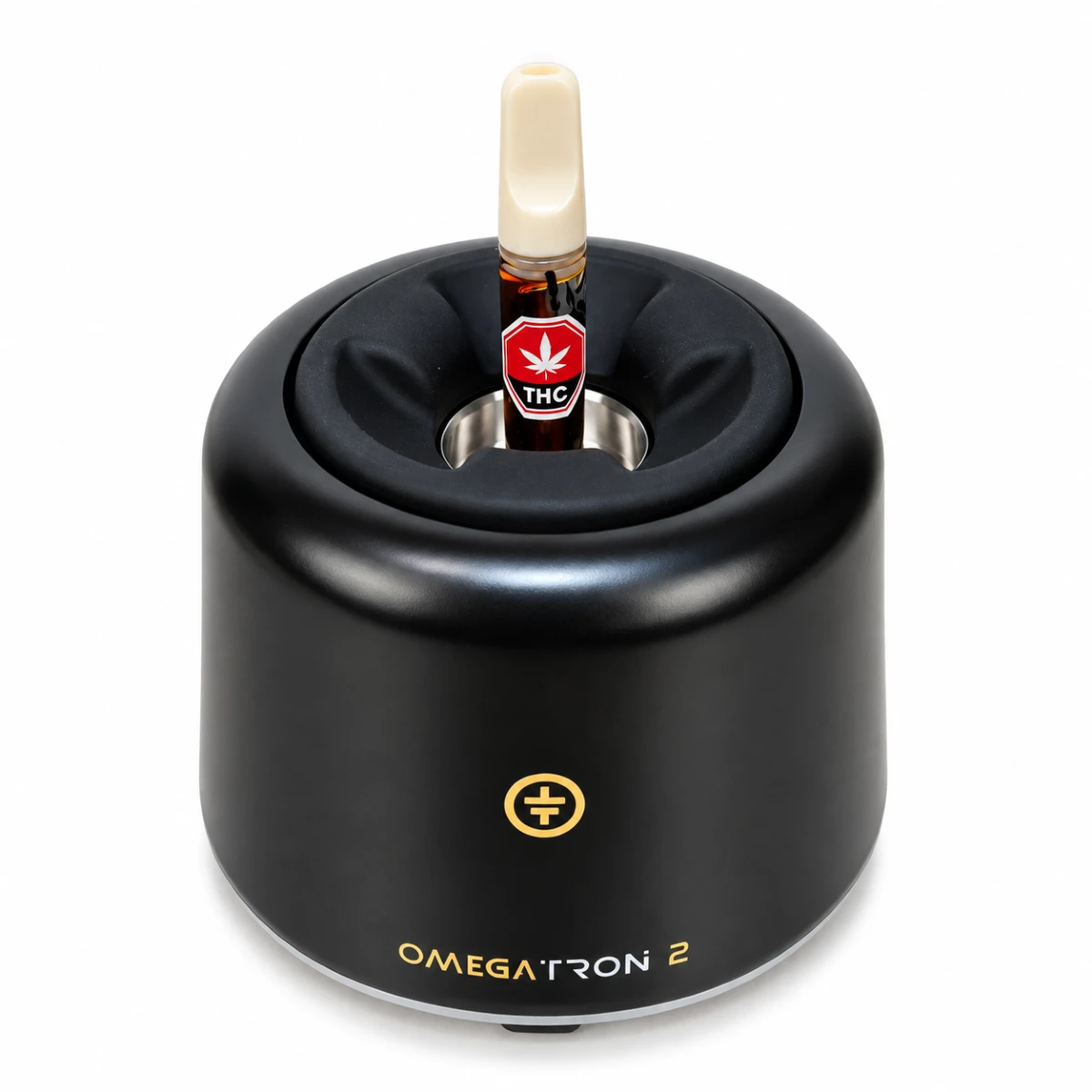
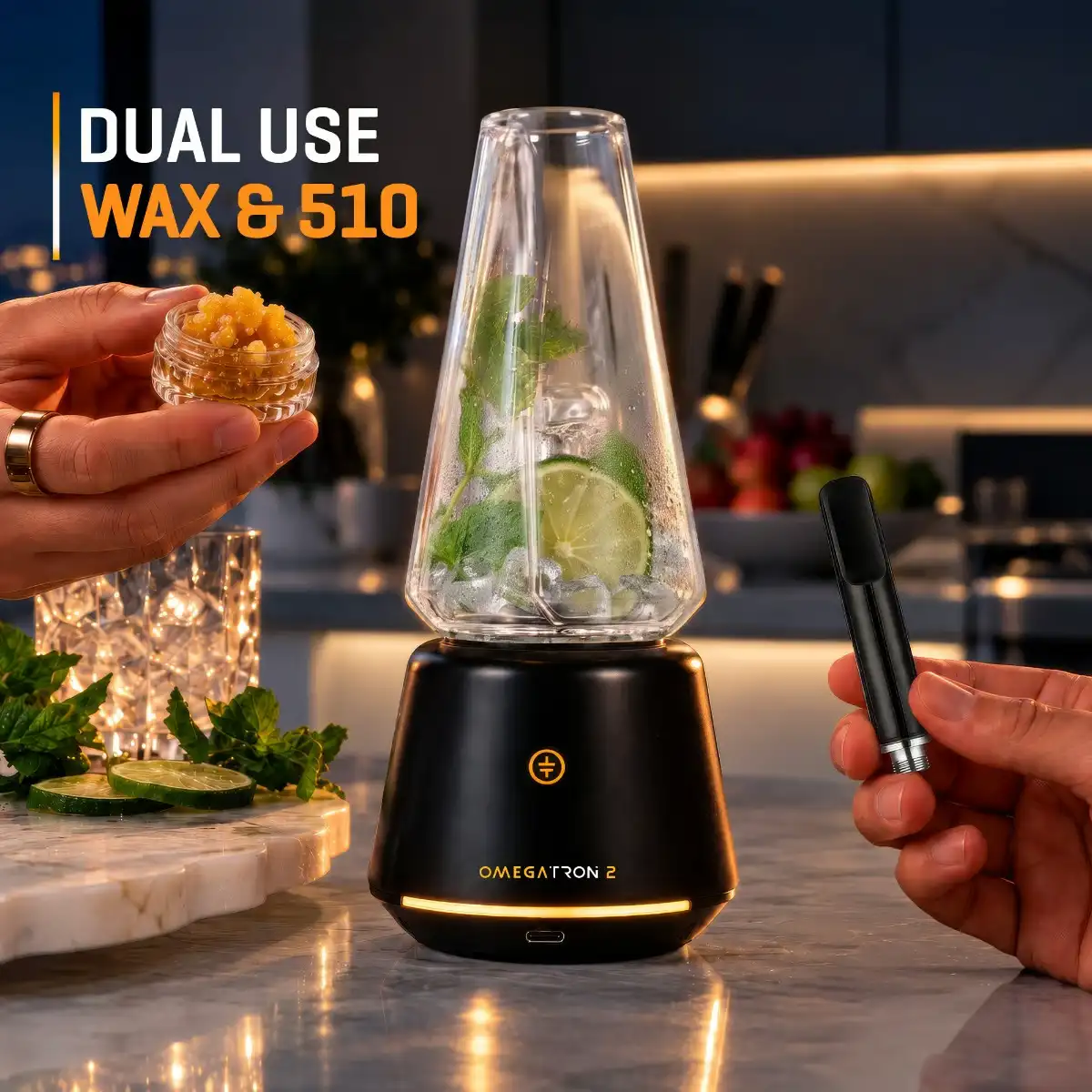
- Dual Use (Wax & 510 Carts): Automatically detects the installed heating attachment and adjusts the controls accordingly.
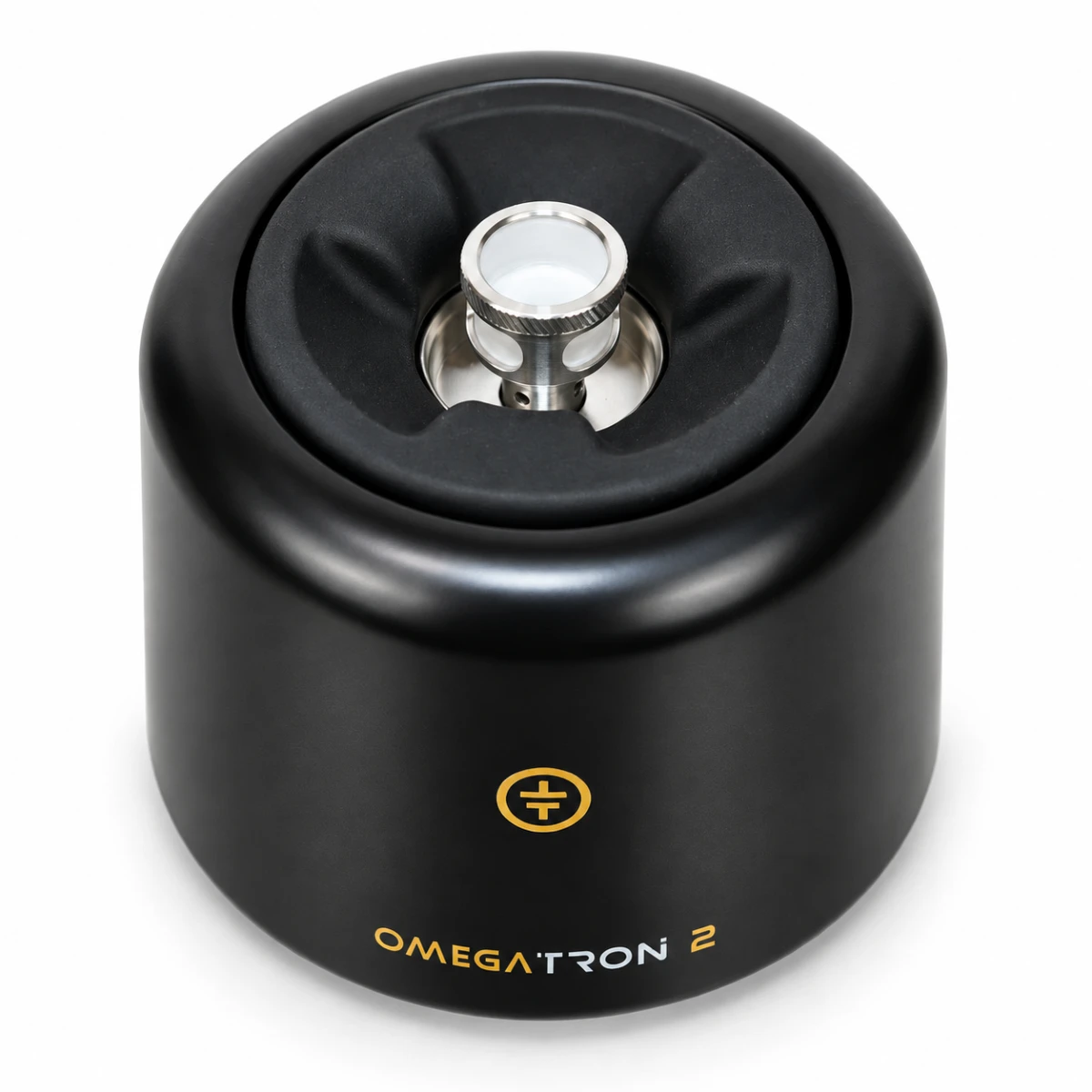
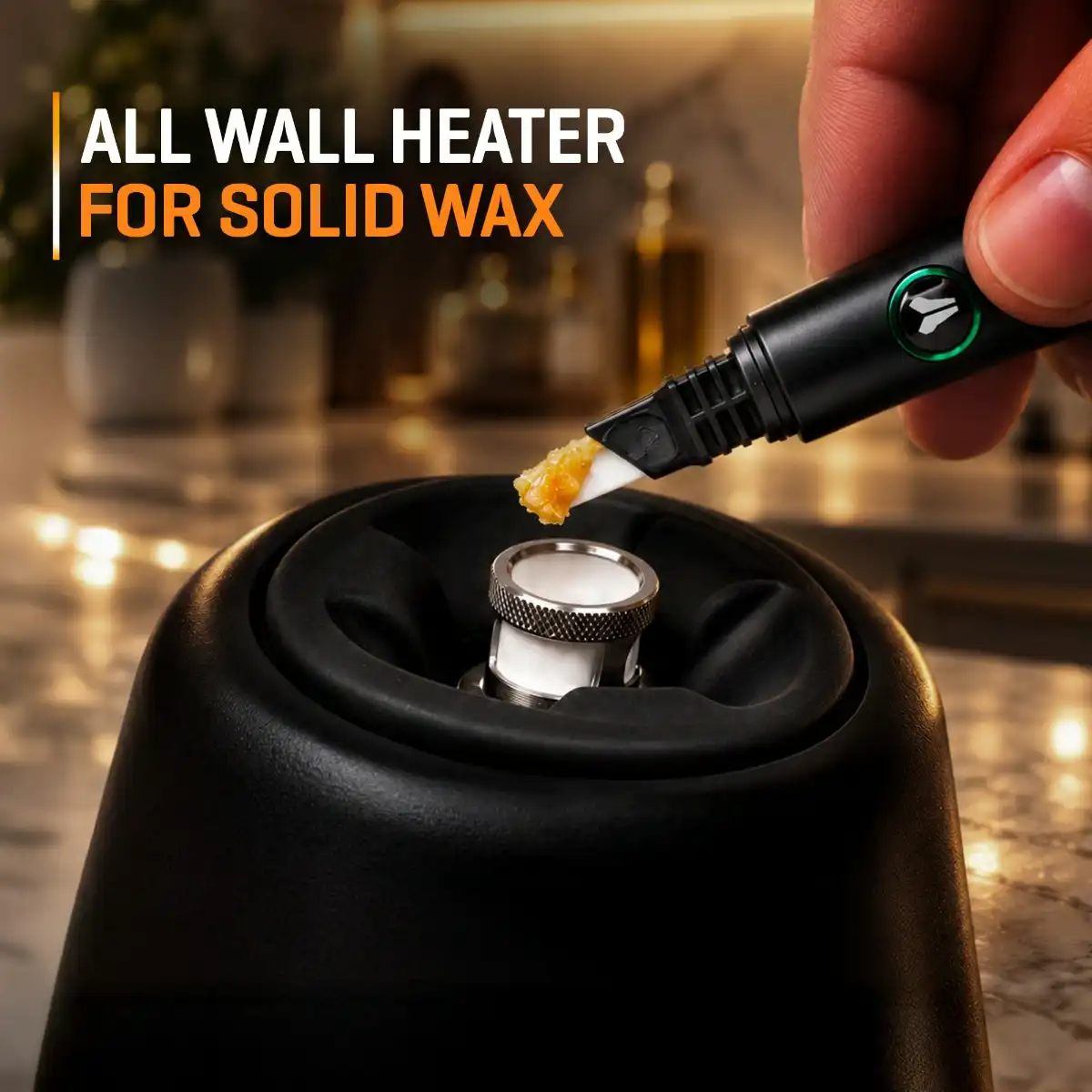
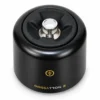
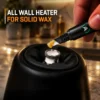
- BurstHit 3D Heating Chamber: Heats wax from the sides and bottom for more even extraction.
- Vortex Airflow: Helps circulate concentrates for consistent vapor production.
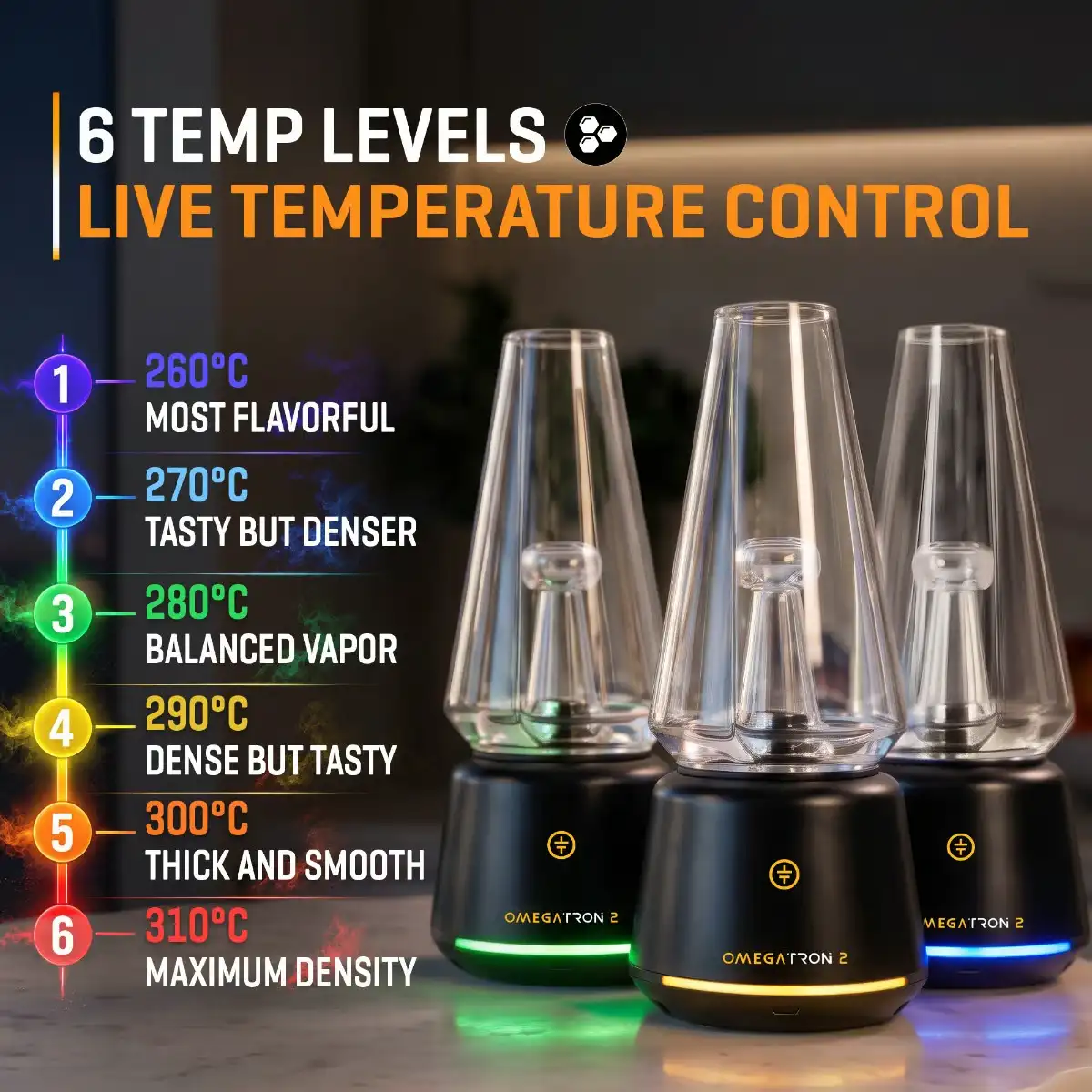
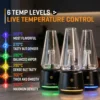
- 6 Wax Temperature Settings: Choose from 260°C to 310°C (500°F–590°F).
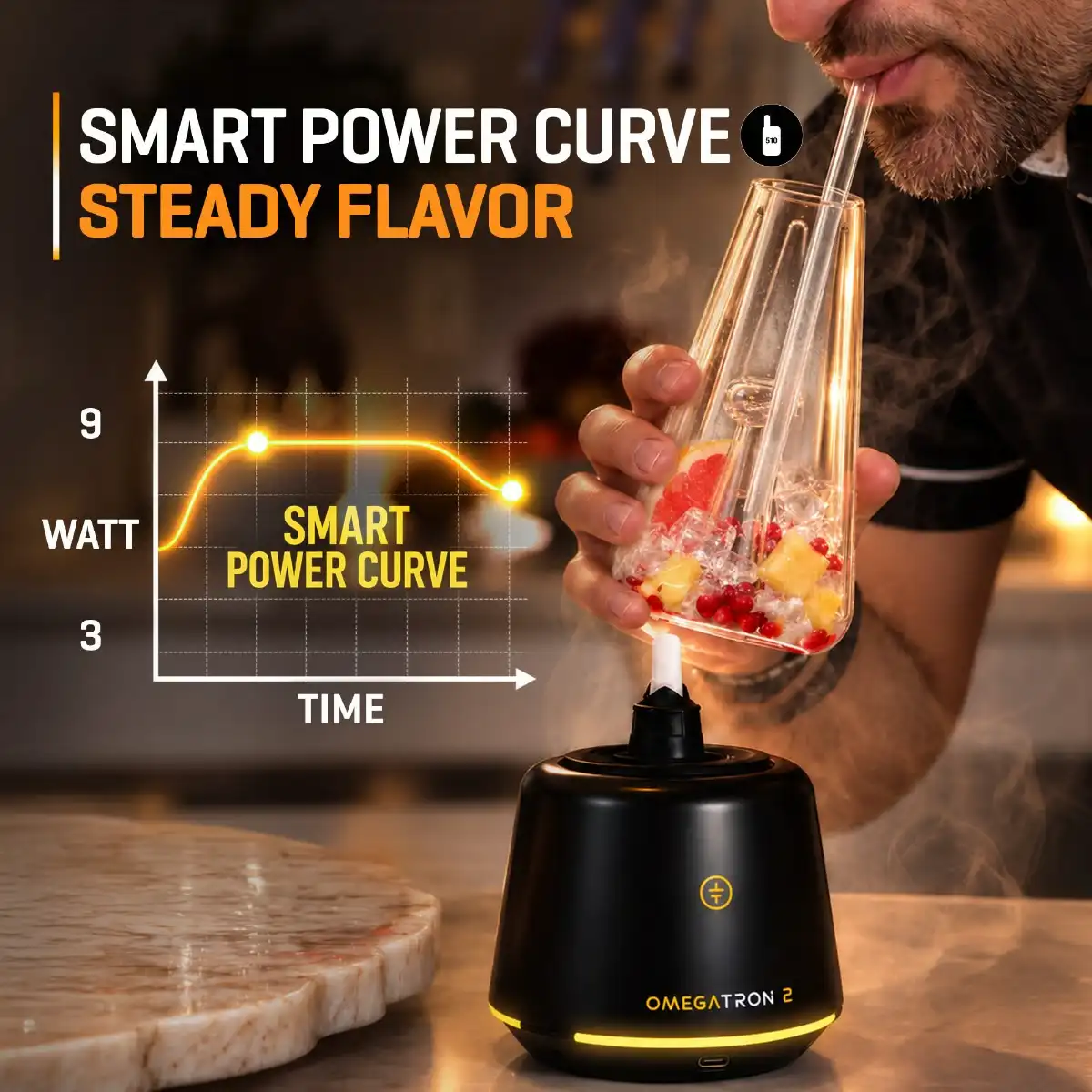
- 6 Smart Power Curves: Gradually reduces cartridge power to help preserve flavor.
- Adjustable Pump Speed & Fill Time: Three pump speeds and three filling durations for greater control.
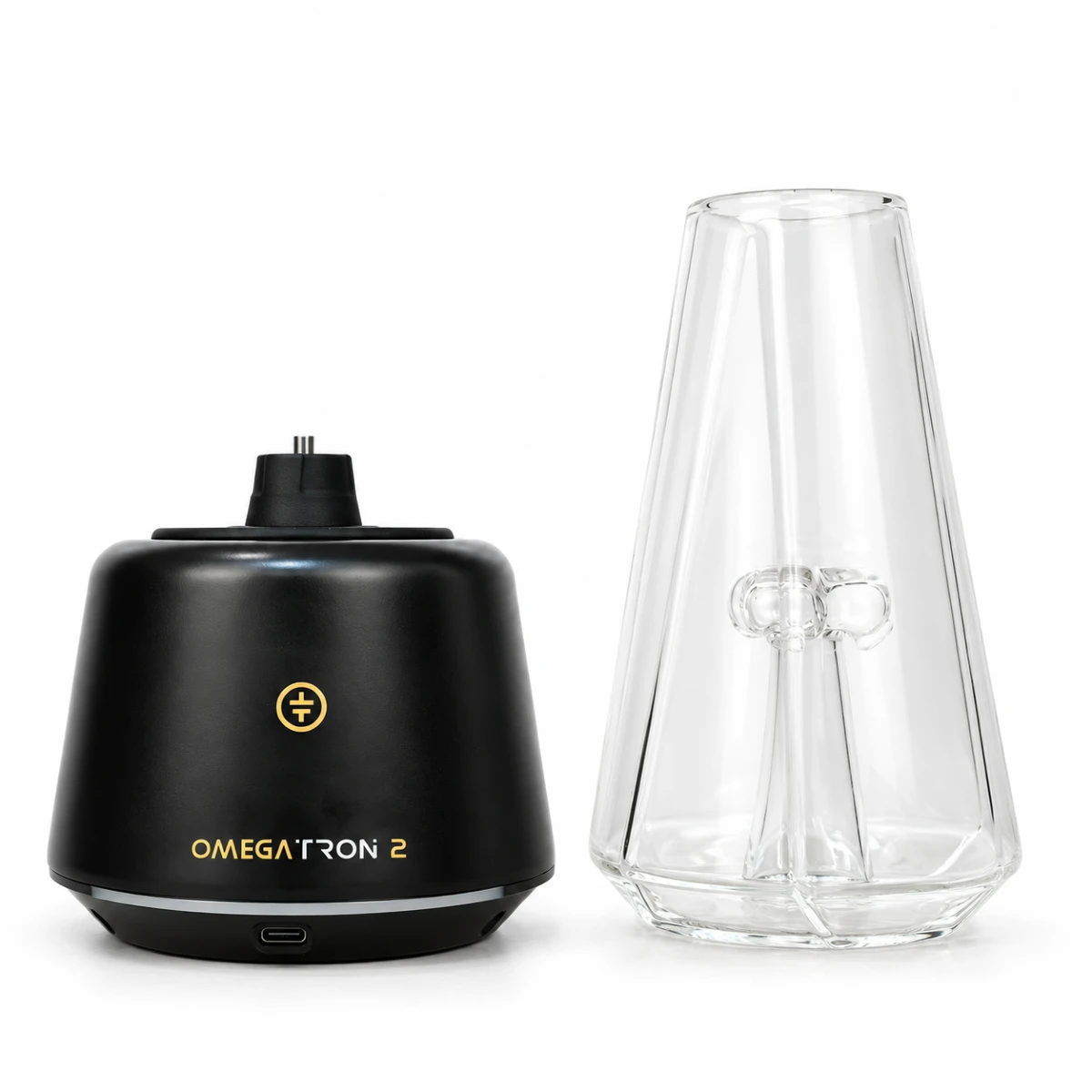
- Waterfall Glass: Supports ice and fruit for cooling and flavor, with an included glass straw.
- Automatic Heating: Press until you feel a vibration, then release for hands-free filling.
The BurstHit 3D Heating Chamber & Vortex Airflow
This is one of the biggest changes from the original Omegatron. Where the first Omegatron used Glass Core and Triple Helix heaters, the Omegatron 2 replaces both with a BurstHit 3D Heating Chamber designed to heat wax from the sidewalls and bottom simultaneously.
The BurstHit 3D Heating Chamber works alongside Vortex Airflow, which is designed to keep wax moving inside the chamber as it heats. This helps expose the concentrate to the heated surfaces instead of allowing it to remain in one spot, with the aim of improving extraction efficiency and producing more consistent vapor. Together, these technologies bring e-rig-style heating to the Omegatron’s unique serve-and-sip format.
Separate Heating Controls for Wax and Cartridges
Rather than using the same heating settings for both materials, the Omegatron 2 automatically detects whether the BurstHit chamber or a 510 cartridge is installed, then switches to the control system designed for that attachment.
With wax, the Omegatron 2 offers six preset temperature levels from 260°C to 310°C (500°F to 590°F), allowing you to choose the heating intensity for your concentrates. With 510 cartridges, it uses six Smart Power Curve settings instead. Each curve starts at a higher wattage and gradually reduces power throughout the session to help maintain a consistent temperature and preserve flavor, rather than delivering the same fixed power for the entire cycle.
| LED Color | Wax Temperature | 510 Carts Power |
|---|---|---|
| Dark Blue | 260°C (500°F) | 3.3W |
| Light Blue | 270°C (518°F) | 4.2W |
| Green | 280°C (536°F) | 5.3W |
| Yellow | 290°C (554°F) | 6.4W |
| Orange | 300°C (572°F) | 7.7W |
| Red | 310°C (590°F) | 8.8W |
Adjustable Pump Speed and Fill Time
Beyond temperature and power, the Omegatron 2 offers three pump speeds and three adjustable filling times. Pump speed controls how quickly vapor is delivered into the Glass Cup, while the filling timer determines how long the filling cycle runs. The available filling times differ depending on whether you’re using wax or a 510 cartridge.
For wax, choose between 30, 60, and 90-second filling times. For 510 cartridges, the options are 25, 35, and 45 seconds. You can also choose between three pump-speed levels to adjust how quickly the Glass Cup fills, giving you more control over the filling process than the original Omegatron.
Waterfall Glass: Ice, Garnish & the Serve-and-Sip Experience
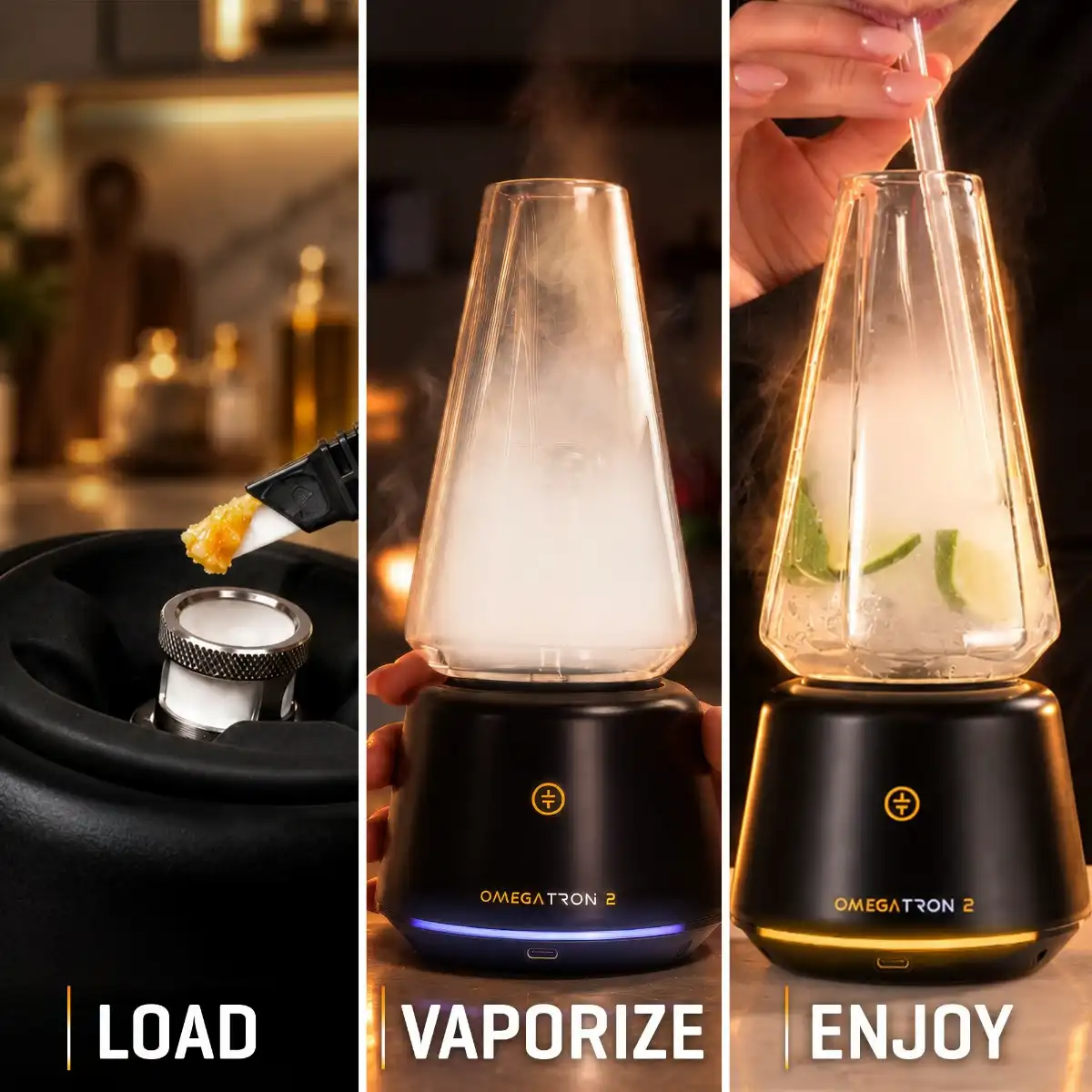
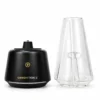
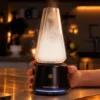
Unlike traditional dab pens or e-rigs, the Omegatron 2 fills a removable Waterfall Glass with vapor that you can watch collect before lifting the cup to sip or using the included Glass Straw. You can also add ice or fruit for extra cooling and flavor, making each session more customizable and enjoyable to share.
Always remove the Glass Cup before adding ice or fruit, and keep water or other liquids away from the base and its electrical components.
Automatic Heating Activation
The Tronian Omegatron 2 can complete its heating and filling cycle automatically. Simply press the Glass Cup toward the base and hold until you feel haptic feedback, then release it. The device begins the heating cycle and fills the glass automatically. You can press the Glass Cup once more to stop filling when it reaches your desired level.
Tronian Omegatron 2 vs. The Original Omegatron
| Feature | Original Omegatron | Omegatron 2 |
|---|---|---|
| Heating Chamber | Glass Core & Triple Helix heaters | BurstHit 3D Heating Chamber |
| Wax Heating | 4 voltage settings | 6 preset temperatures (260–310°C) |
| 510 Cartridge Heating | 4 voltage settings | 6 Smart Power Curve settings |
| Pump Speed | No adjustable pump speed | 3 pump speeds |
| Fill Duration | No adjustable fill-duration settings | 3 preset filling times |
| Glass Capability | Garnish-compatible glass | Glass Cup supports ice and fruit |
| Activation | Hold glass down during heating | Hold until haptic feedback, then release for automatic heating |
For original Omegatron owners, the biggest upgrades are the BurstHit 3D chamber, separate heating controls, and adjustable pump settings.
How to Use the Tronian Omegatron 2
Before your first session, fully charge the device and run one complete sanitation cycle on Level 1 with the empty BurstHit 3D Heating Chamber, as recommended by Tronian.
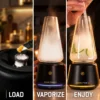
- Choose your material: Use the included BurstHit 3D Heating Chamber for solid wax or install a compatible 510-thread cartridge.
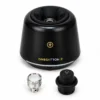
- Load wax or install your cartridge: For wax, remove the Glass Cup and Heating Chamber Cover, then add approximately 0.05 g (about the size of a grain of rice) into the BurstHit chamber. Replace the cover and glass. For 510 cartridges, remove the BurstHit chamber, screw in a compatible cartridge, and install the 510 Cover before replacing the Glass Cup.
- Power on the device: Use the Power Switch on the bottom of the base. The Omegatron 2 automatically detects whether the BurstHit chamber or a 510 cartridge is installed.
- Select your heating level: Press the Operation Button once to view the current level, then press again within four seconds to cycle through the six settings. Wax temperatures range from 260°C to 310°C, while the 510 Power Curves start between 3.3W and 8.8W.
- Choose the fill duration: Double-press the Operation Button while in Standby mode to enter Fill Time Mode, indicated by purple LEDs and cycle through the three filling times. Wax offers 30, 60, or 90 seconds, while 510 cartridges offer 25, 35, or 45 seconds.
- Adjust the pump speed: Triple-press the Operation Button in Standby mode to enter Pump Speed Mode, indicated by dark blue LEDs and choose between the three pump-speed settings.
- Prepare the Glass Cup: If desired, add ice or fruit while the Glass Cup is removed from the base. Reattach it securely before beginning your session, keeping any liquids away from the base.
- Start automatic heating: Gently press the Glass Cup toward the base and hold until you feel a vibration, then release it. The Omegatron 2 automatically begins the heating and filling cycle.
- Stop and enjoy: Once the Glass Cup reaches your preferred fill level, press it once more toward the base to stop filling. Remove the glass and inhale directly or use the included Glass Straw.
Note: If using a 510 cartridge, allow it to cool for at least three minutes between sessions to reduce thermal stress and help maintain its lifespan. The Omegatron 2 supports most 510-thread attachments up to 18 mm in diameter with a minimum resistance of 1.1 ohm, although compatibility with every cartridge is not guaranteed.
How to Clean the Tronian Omegatron 2
Regular cleaning helps prevent wax residue from building up and keeps the Omegatron 2 working properly.
- Turn off and disassemble: Switch off the device and let it cool completely. Remove the Glass Cup, followed by the Heating Chamber Cover or 510 Cover, then unscrew the BurstHit 3D Heating Chamber or 510 cartridge from the base.
- Clean the BurstHit chamber: After each session, use a cotton swab or a suitable cleaning stick to wipe away concentrate residue inside the chamber. The BurstHit chamber is a wear-and-tear component, and regular cleaning helps maintain its lifespan.
- Avoid water on the chamber: Never rinse or soak the BurstHit 3D Heating Chamber in water or water-based cleaning solutions, as it contains electronic components. Make sure it is completely dry before reinstalling.
- Clean the Glass Cup: Remove the Glass Cup and soak it in isopropyl alcohol or another suitable glass-cleaning solution to dissolve residue. Rinse thoroughly with water afterward.
- For quick glass cleaning: Pour a small amount of isopropyl alcohol into the Glass Cup, cover its inlet and outlet, and shake for approximately one minute. Rinse thoroughly afterward, ensuring no alcohol remains. ISO cleaning wipes can also be used.
- Wipe the base and connections: Use ISO cleaning wipes lightly moistened with isopropyl alcohol to clean the base, threading, and silicone components. Never submerge the base or allow liquid to enter its electrical parts.
- Dry and reassemble: Allow all components to dry completely before reassembling. Screw the BurstHit chamber or 510 cartridge into the base, replace the appropriate cover, and reattach the Glass Cup.
Important: Do not use the device until all cleaning alcohol has completely evaporated. The BurstHit 3D Heating Chamber is a wear-and-tear component and may require replacement over time, even with regular cleaning.
Who Is the Tronian Omegatron 2 For?
- Concentrate enthusiasts who want a 3D heating chamber and adjustable wax temperatures in a unique serve-and-sip vapor cup.
- 510 cartridge users who want six adjustable power curves and customizable filling times instead of a traditional 510 vape battery.
- Social users and hosts who enjoy sharing sessions or adding ice and fruit to their vapor cup.
- Original Omegatron owners who want a BurstHit 3D chamber, more heat settings, and greater control over pump speed and fill duration.
Shop the Tronian Omegatron 2
The Tronian Omegatron 2 combines a BurstHit 3D Heating Chamber, adjustable temperature and power settings, and customizable pump controls in a unique vapor cup designed for wax and 510 cartridges. Discover the Tronian Omegatron 2 at Tools420 and explore a different way to fill, sip, and share vapor.
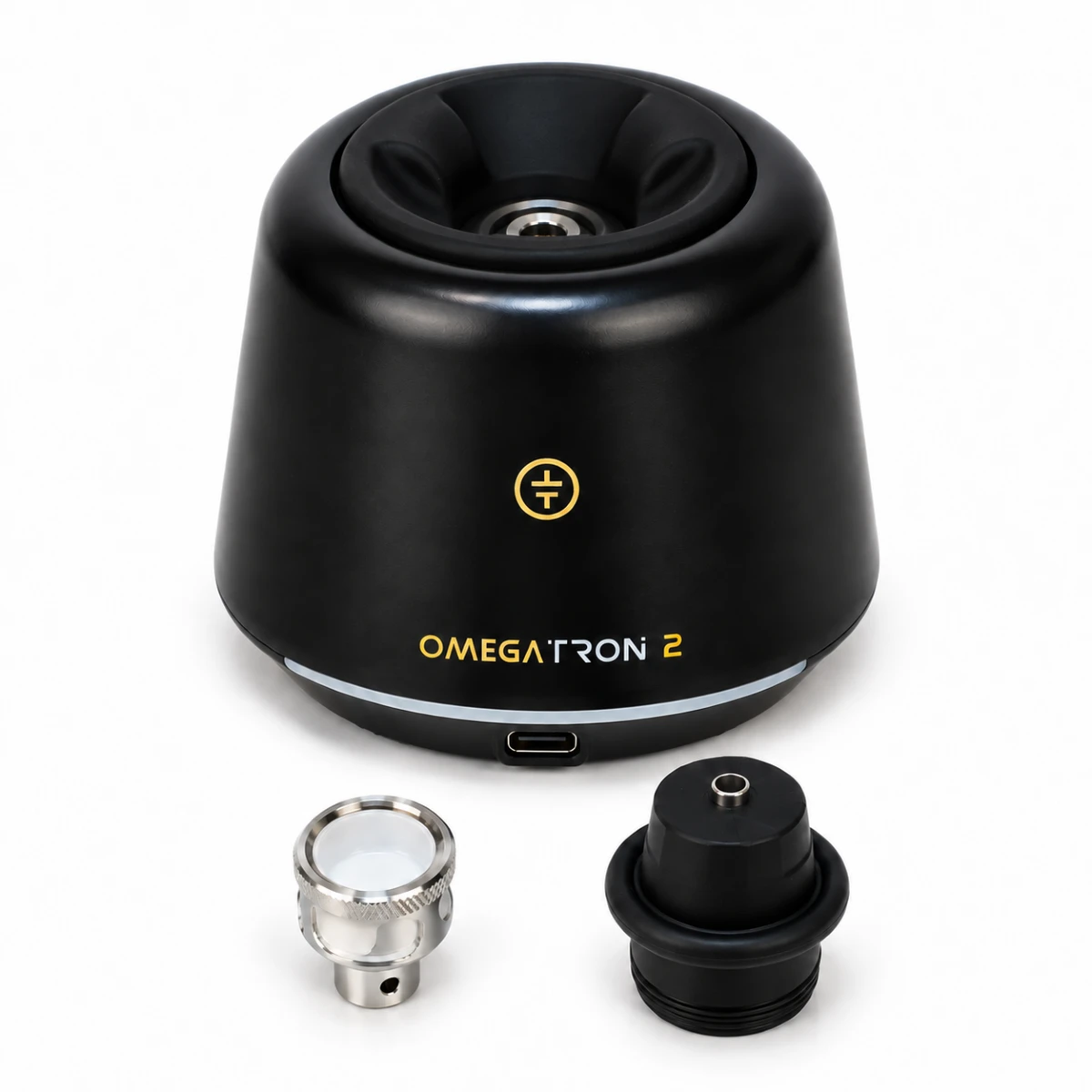
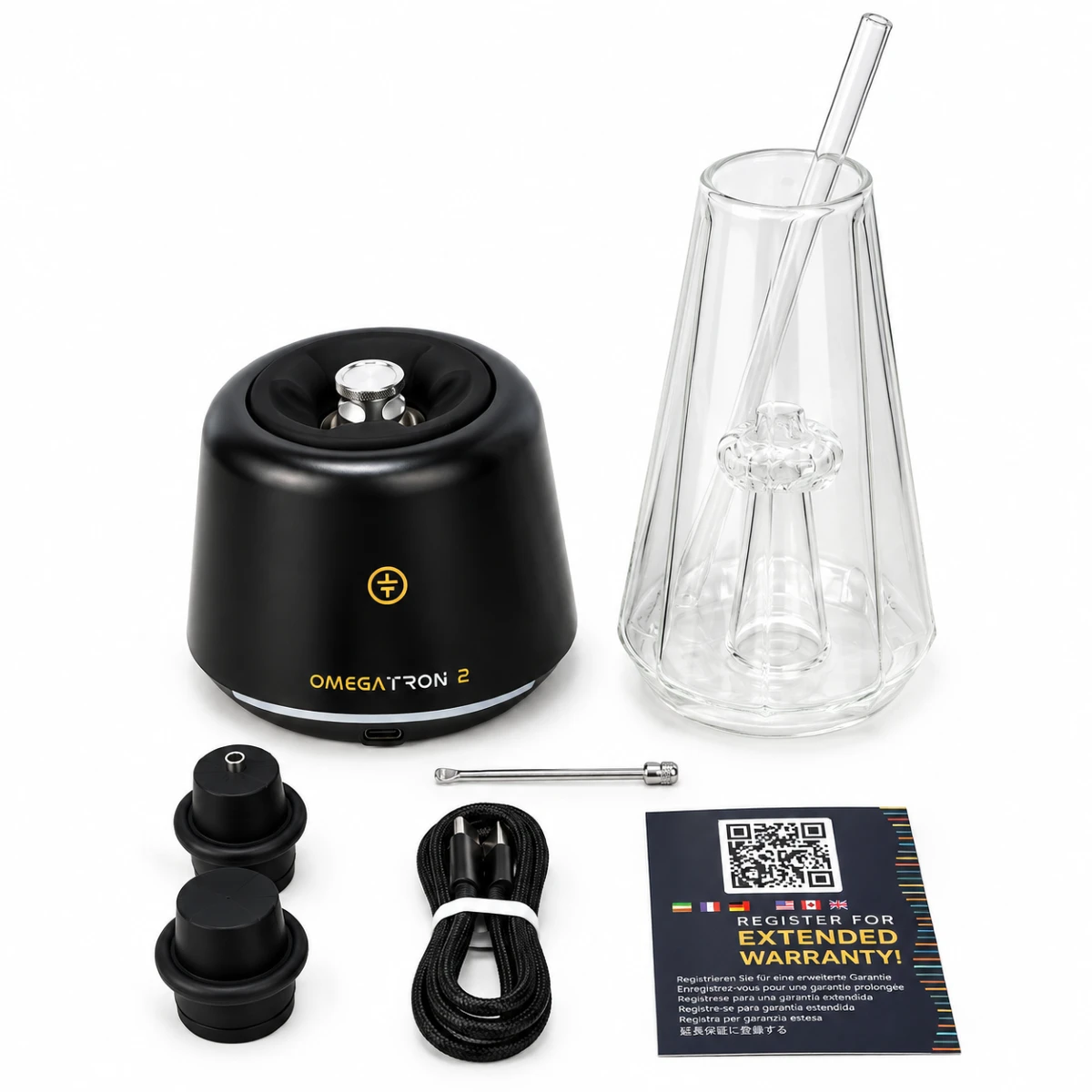
What's in the box
- 1 x Tronian Omegatron 2 Base
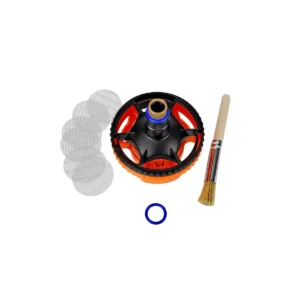
- 1 x BurstHit 3D Heating Chamber
- 1 x Glass Cup (Waterfall Glass)
- 1 x Glass Straw
- 1 x Heating Chamber Cover
- 1 x 510 Carts Cover
- 1 × Ice Tray
- 1 x Packing Tool
- 1 x USB-C Charging Cable
Add a review
 Tronian Omegatron 2
Your review
* Review is required
Name
* Name is required
Email
* Email is required
Add photos or video to your review
Product Q&A
There are no questions yet.


Reviews
There are no reviews yet